

Introduction
Office management involves far more than handling paperwork. Modern offices manage communication, schedules, financial records, presentations, employee reports, and project coordination every day. When these responsibilities are spread across different software platforms, productivity often slows and administrative work becomes more complicated.
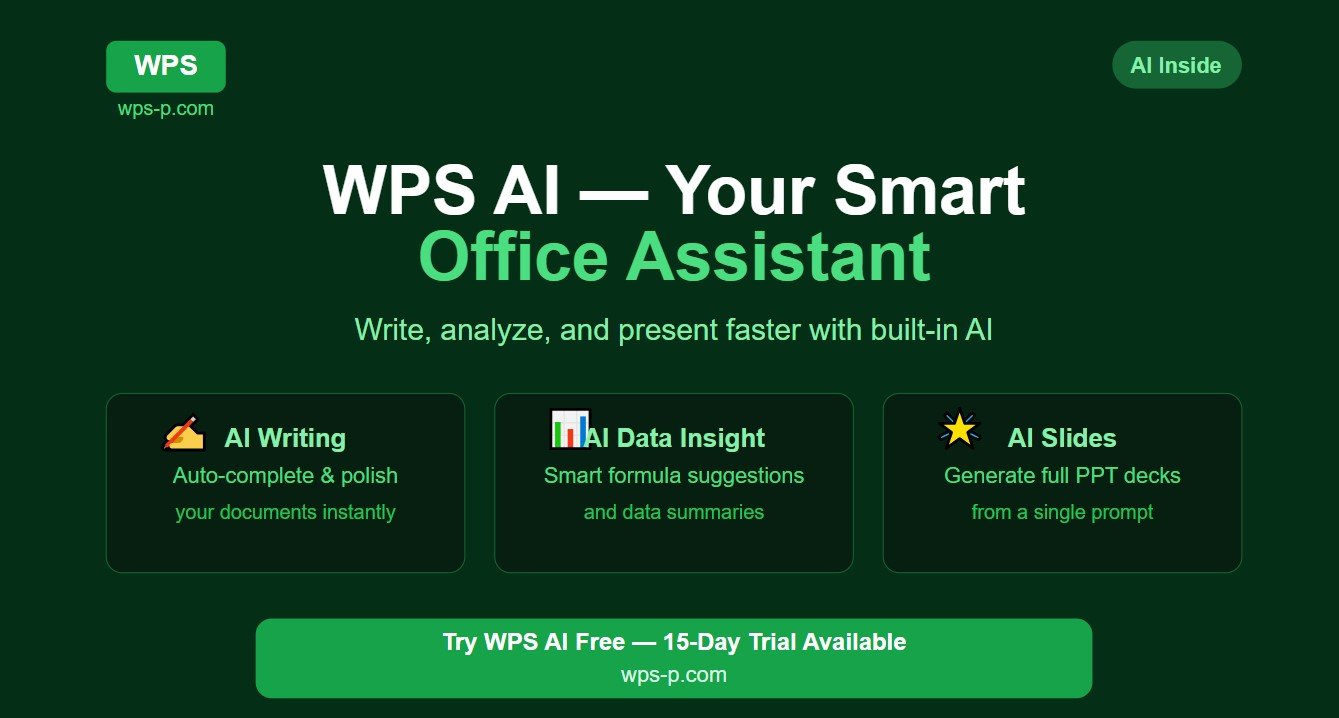
Businesses now seek solutions that simplify operations and help teams work more efficiently. WPS Office supports this goal by offering productivity tools designed to reduce delays and improve office workflow. Its integrated applications help office staff, managers, and professionals organize tasks, manage files, and maintain smoother daily operations.
This article explores how WPS productivity tools support faster office management and help workplaces improve efficiency.
Centralized Workspace for Office Operations
One of the main challenges in office management is handling different types of files and tasks at the same time. Administrative teams often prepare reports, review spreadsheets, edit contracts, and create presentations within a single workday.
WPS helps streamline this process through a centralized workspace.
Instead of using multiple software programs, employees can manage essential tasks through:
- WPS Writer
- WPS Spreadsheet
- WPS Presentation
- Integrated PDF tools
This centralized structure reduces workflow interruptions and creates a more organized office environment.
When tools work together inside one platform, office management becomes faster and more efficient.
WPS Writer for Administrative Documentation
Documents remain a core part of office administration. Companies regularly prepare internal memos, employee records, proposals, agreements, and meeting summaries.
WPS Writer supports faster documentation by providing editing and formatting tools that simplify document preparation.
Administrative teams benefit from features such as:
- Professional page layouts
- Quick text formatting
- Table creation
- Header and footer management
- Grammar and spelling support
These tools help staff prepare accurate documents without spending excessive time on formatting adjustments.
Clear and professionally prepared documents also improve internal communication.
Spreadsheet Tools for Office Planning and Tracking
Office management depends heavily on organized data. Managers and administrators frequently track budgets, schedules, attendance, and operational performance.
WPS Spreadsheet helps convert complex information into manageable data systems.
Common office uses include:
- Payroll preparation
- Expense monitoring
- Inventory records
- Task tracking
- Monthly reporting
Spreadsheet formulas and automated calculations reduce manual processing and improve accuracy.
Rather than performing repetitive calculations manually, office teams can focus on decision-making and planning.
This creates faster and more reliable office workflows.
Presentation Tools for Internal Communication
Effective office management requires strong communication between departments and leadership teams.
Presentations help offices explain strategies, deliver updates, and conduct staff training.
WPS Presentation offers practical design tools that simplify slide creation.
Offices commonly use presentations for:
- Performance reviews
- Department meetings
- Staff training sessions
- Client briefings
- Business planning
Templates and structured layouts reduce preparation time while maintaining professional quality.
This helps teams communicate ideas more clearly and manage meetings more effectively.
Built-In PDF Tools Improve Workflow Efficiency
Office environments process large numbers of PDF documents every day. Contracts, invoices, policies, and approval forms are often shared in PDF format.
Many offices waste time switching between separate PDF software and document editors.
WPS reduces this problem through integrated PDF functionality.
Users can:
- View PDFs instantly
- Edit text when needed
- Convert files between formats
- Combine documents
- Add approval notes and comments
Managing PDFs inside the same workspace creates a smoother workflow and reduces administrative delays.
This convenience becomes particularly valuable in high-volume office environments.
Smart Templates for Repetitive Office Tasks
Administrative work often involves repeated document creation. Designing similar reports or forms repeatedly can slow office productivity.
WPS addresses this challenge through built-in templates.
Templates support faster preparation of:
- Office reports
- Company letters
- Meeting agendas
- Business forms
- HR documents
- Presentation materials
Using templates creates consistent branding and professional formatting across departments.
Office staff can complete routine tasks more quickly while maintaining document quality.
This contributes directly to faster office management.
Cloud Access Supports Modern Office Mobility
Today’s offices increasingly operate across hybrid and remote environments. Employees may work from office locations, homes, or while traveling.
WPS cloud services support flexible office management by keeping files synchronized and accessible.
Cloud access helps teams:
- Retrieve files quickly
- Avoid duplicate copies
- Maintain updated documents
- Continue work across devices
- Protect files through backup systems
Managers and staff can remain connected to operational documents without depending on one physical computer.
This flexibility helps offices maintain continuity and avoid productivity disruptions.
Collaboration Features Improve Team Coordination
Office management depends on coordinated teamwork. Delays often occur when departments struggle with file sharing or outdated information.
WPS collaboration tools help offices maintain smoother coordination.
Teams can:
- Share documents securely
- Review updates
- Add internal comments
- Monitor revisions
- Improve project visibility
Instead of relying on long email chains and scattered attachments, departments can maintain more organized communication.
Improved collaboration reduces misunderstandings and helps office tasks move forward faster.
Mobile Productivity for Office Managers
Office managers and supervisors frequently handle responsibilities outside their desks. Meetings, site visits, and business travel require flexible productivity tools.
WPS mobile compatibility supports faster office management by providing document access through smartphones and tablets.
Mobile tools allow professionals to:
- Review urgent files
- Approve edits
- Respond to requests
- Access reports remotely
- Maintain workflow while traveling
This mobility reduces delays and keeps office operations moving even when staff are away from traditional workstations.
Modern office management increasingly depends on this level of accessibility.
Conclusion
Fast and organized office management requires more than hard work—it depends on efficient tools that simplify daily operations. WPS supports this goal through integrated applications for writing, spreadsheets, presentations, PDFs, cloud storage, and collaboration.
Its centralized workspace, automation tools, templates, and mobile access help offices reduce delays and manage tasks more efficiently. Whether handling administration, communication, or team coordination, WPS productivity tools are designed to support faster office management and smoother business operations.






















Leave a Reply