

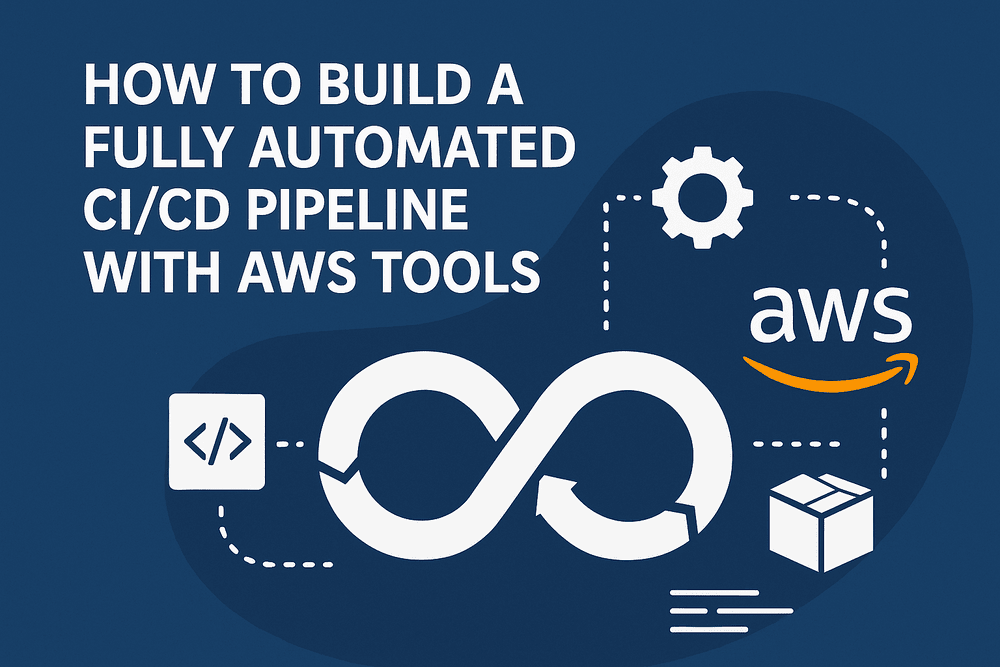
Building a fully automated CI/CD (Continuous Integration and Continuous Deployment) pipeline with AWS is one of the most effective ways to streamline software delivery, improve development speed, and eliminate manual deployment errors. AWS offers a complete suite of managed tools that work together seamlessly to automate code building, testing, and deployment across environments.
This guide walks you through everything you need to know—planning, architecture, AWS tools, best practices, and step-by-step instructions to set up a fully automated CI/CD pipeline.
Understanding CI/CD in AWS
Before diving into AWS tools, it’s important to clarify what CI/CD involves.
What Is Continuous Integration (CI)?
Continuous Integration is the practice of frequently merging developer code changes into a shared repository. Automated tests run with every commit, ensuring issues are caught early.
What Is Continuous Deployment (CD)?
Continuous Deployment (or Delivery) automates deploys to testing, staging, and production environments. Code moves from Git to deployment without manual steps.
Why AWS for CI/CD?
AWS provides a fully managed ecosystem, meaning:
- No self-hosted servers required
- Deep integration with AWS compute and storage
- Automated scaling
- Secure IAM-based access
- Pay-as-you-go pricing
AWS Tools Used to Build a CI/CD Pipeline
A fully automated CI/CD pipeline typically involves these core AWS services.
AWS CodeCommit
A secure, private Git repository used to store your application’s code. It eliminates dependencies on external Git providers and integrates directly with CodePipeline.
AWS CodeBuild
A fully managed build service that compiles source code, installs dependencies, runs tests, and prepares build artifacts.
AWS CodeDeploy
Automates application deployments to:
- EC2 instances
- Lambda functions
- ECS containers
- On-premises servers
AWS CodePipeline
Orchestrates every stage of your CI/CD pipeline. It connects CodeCommit, CodeBuild, CodeDeploy, S3, and other AWS services into a continuous flow.
Optional Tools for Advanced Pipelines
- Amazon ECR (for container images)
- AWS Lambda (for serverless automation)
- Amazon CloudWatch (for logs and alarms)
- AWS Secrets Manager (for secure credentials and environment variables)
Designing Your CI/CD Architecture on AWS
Before building the pipeline, determine your architecture.
Decide Deployment Target
Your CI/CD process will differ depending on where the application runs:
- EC2 instances
- ECS (Fargate or EC2)
- Serverless (Lambda)
- On-premises hybrid
Define Your Pipeline Stages
Most pipelines follow this structure:
- Source (CodeCommit or GitHub)
- Build (CodeBuild)
- Test (Automated tests)
- Deploy (CodeDeploy or ECS/Lambda triggers)
- Post-deployment validation
Choose Between Pre-Built Templates or Custom YAML
AWS offers console-based setup and customizable pipeline YAML files stored in your repo.
Step-by-Step: Build a Fully Automated CI/CD Pipeline on AWS
This walkthrough shows how to build a common pipeline using CodeCommit, CodeBuild, CodeDeploy, and CodePipeline.
Step 1: Set Up Your Code Repository (AWS CodeCommit)
Create a CodeCommit Repository
- Open AWS Console
- Navigate to CodeCommit
- Click Create Repository
- Name it (example: MyApp-Repo)
- Add a description
Push Your Application Code
Clone the repo locally and push your files:
- Application code
- Buildspec file
- AppSpec file (if using CodeDeploy)
Configure Permissions
Developers need IAM roles allowing:
- codecommit:GitPull
- codecommit:GitPush
Step 2: Create the Build Process (AWS CodeBuild)
Add a buildspec.yml File
CodeBuild requires this file to define build phases.
Typical buildspec.yml includes:
- Install dependencies
- Run tests
- Create build artifacts
- Store outputs in S3
Example structure:
- pre-build
- build
- post-build
Create a New Build Project
In CodeBuild:
- Click Create Build Project
- Select your CodeCommit repository
- Choose runtime environment (Node.js, Python, Java, Go, etc.)
- Add environment variables (if needed)
- Select artifact output location (usually S3)
Enable CloudWatch Logs
This helps with debugging failed builds.
Step 3: Configure AWS CodeDeploy
CodeDeploy executes deployment steps using an AppSpec file.
Create the AppSpec File
Defines:
- Deployment instructions
- Hooks for scripts (BeforeInstall, AfterInstall, ApplicationStart)
Define Deployment Group
Choose:
- EC2 instances (tag-based)
- Auto Scaling, or
- Lambda/ECS targets
Set Up IAM Role for Deployment
CodeDeploy requires permissions for EC2, S3, CloudWatch, and ECS.
Step 4: Build the CI/CD Pipeline with AWS CodePipeline
Start Creating the Pipeline
- Go to CodePipeline
- Select Create Pipeline
- Enter pipeline name
- Choose a service role
Add Stages
Source Stage
Pick:
- CodeCommit
- GitHub
- Bitbucket
- S3
Enable triggers so the pipeline starts automatically when code is pushed.
Build Stage
Select CODEBUILD project you created earlier.
Test Stage (Optional)
You can insert:
- Additional CodeBuild project
- Lambda functions for automated testing
- Third-party integrations
Deploy Stage
Choose CodeDeploy to push the final build to:
- EC2
- ECS
- Lambda
Save and Run the Pipeline
Once saved, it automatically executes whenever new code is pushed.
Step 5: Automate Post-Deployment Tasks
Advanced pipelines often include post-deployment automation.
Automated Health Checks
- Verify new version
- Run smoke tests
- Use load balancers to confirm traffic routing
Enable Auto-Rollback
AWS can automatically roll back if:
- Health checks fail
- Deployment errors occur
Add Notifications With SNS
You can notify your team via:
- Email
- SMS
- Slack (using webhook Lambda)
Integrating Infrastructure-as-Code (IaC) into Your Pipeline
To fully automate deployments, include IaC using:
AWS CloudFormation
Best for AWS-native environments.
Terraform
Cross-cloud infrastructure tool with solid AWS support.
Benefits of IaC Integration
- Repeatable environments
- Easy rollback
- Infrastructure versioning
- Zero manual setup
IaC is especially helpful when following an AWS migration checklist or migrating applications to modern cloud-based pipelines.
Deployment Strategies in AWS CI/CD Pipelines
AWS supports several advanced deployment strategies for high uptime applications.
Rolling Deployments
Gradually replace old versions with new ones.
Blue/Green Deployments
Two environments:
- Blue = Current production
- Green = New version
Traffic switches only after verification.
Canary Deployments
Release to a small group of users first.
Shadow Deployments
New version runs alongside production without affecting users.
Ensuring Security in Your CI/CD Pipeline
Security must be built into every stage.
Use IAM Roles Instead of Keys
Grant least-privilege permissions to each service.
Secure Secrets
Use:
- AWS Secrets Manager
- Parameter Store
- Encrypted environment variables
Restrict Build Logs
Sensitive logs must be protected with proper CloudWatch log policies.
Enable Artifact Encryption
S3 artifacts should use server-side encryption (SSE-S3 or SSE-KMS).
Monitoring and Observability
A fully automated pipeline must be fully observable.
Monitor Build and Deploy Logs
Use:
- CloudWatch Logs
- CodeBuild Reports
- CodeDeploy deployment logs
Add Alarms
Set alarms for:
- Failed deployments
- Build errors
- High error rate in the application
Use AWS X-Ray
Helps visualize application requests end-to-end.
Scaling Your CI/CD Pipeline
As applications grow, your pipeline must scale.
Enable Parallel Builds
CodeBuild can run multiple builds simultaneously.
Use Build Containers
Define custom Docker images to standardize build environments.
Implement Multi-Account Pipelines
AWS recommends separate:
- Dev
- Staging
- Production
accounts for best security.
Add Approval Gates
Use manual approvals for production stages.
Best Practices for Fully Automated CI/CD Pipelines on AWS
Keep Your Pipeline Fast
Slow builds reduce productivity. Optimize:
- Caching
- Build steps
- Test time
Version Everything
From code to infrastructure, track all changes.
Test Early, Test Often
Add:
- Unit tests
- Integration tests
- Security scans
- Performance checks
Use Branch Strategy
Common patterns include:
- GitFlow
- Trunk-based development
Regularly Review IAM Permissions
Remove unused access and avoid broad permissions.
Common Issues and How to Avoid Them
Build Failures
Caused by missing dependencies. Fix with updated buildspec files.
Deployment Failures
Usually related to:
- Incorrect AppSpec scripts
- Missing IAM permissions
- Server not ready for deployment
Pipeline Stalls
Often a result of:
- Unreachable artifacts
- Misconfigured triggers
Slow Pipelines
Reduce build time with:
- Build caching
- Lighter Docker images
Conclusion
Building a fully automated CI/CD pipeline with AWS tools transforms the way your development team ships software. By combining AWS CodeCommit, CodeBuild, CodeDeploy, and CodePipeline, you create a powerful workflow that delivers code faster, more reliably, and with fewer manual steps.
With proper architecture design, security best practices, IaC integration, and advanced deployment strategies, your AWS CI/CD pipeline can scale effortlessly as your application grows.






















Leave a Reply